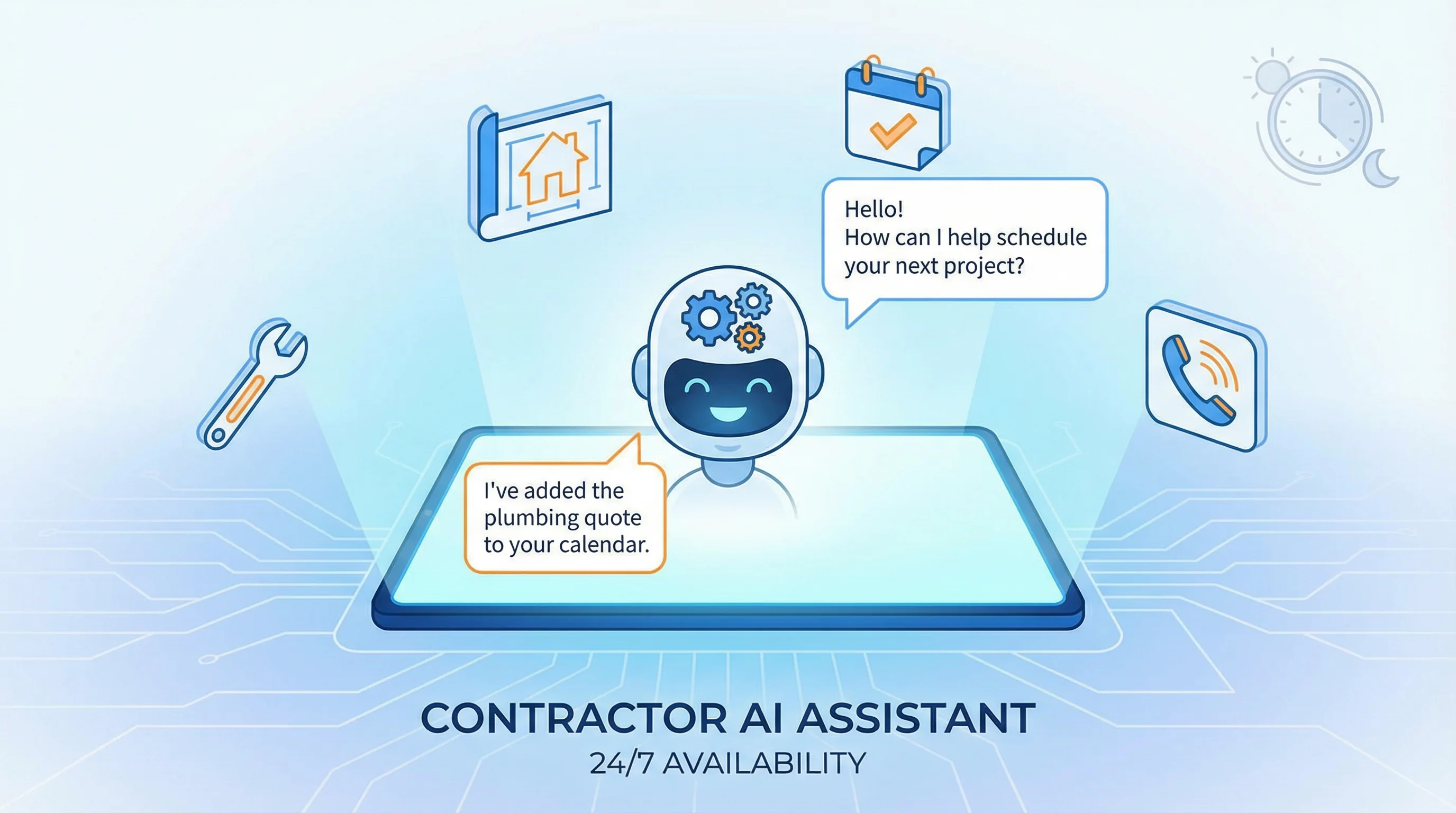
AI Chatbots for Contractors: 24/7 Customer Service That Books Jobs
AI Chatbots for Contractors: 24/7 Customer Service That Books Jobs
TL;DR: AI chatbots answer common contractor questions instantly (pricing, availability, service areas), capture lead information 24/7, and qualify prospects before they ever talk to your team. Modern AI chatbots can handle 60-80% of initial inquiries, book appointments directly, and hand off complex questions to humans—turning your website into a lead-generating machine that never sleeps. For more AI strategies, see our AI Lead Follow-Up Systems post and Contractor Automation Stack 2026 guide.
Why Contractors Need AI Chatbots in 2026
Homeowners expect instant answers. When someone searches "emergency plumber near me" at 11 PM, they are not filling out a contact form and waiting until morning. They are calling the first contractor who responds—or in 2026, they are chatting with the first contractor whose website offers instant help.
The problem: You cannot staff a live chat 24/7. Your office closes at 5 PM. Emergency calls go to voicemail. You lose leads to competitors who respond faster.
The solution: AI chatbots that never sleep, never take breaks, and can handle multiple conversations simultaneously.
What Can AI Chatbots Actually Do for Contractors?
1. Answer Common Questions Instantly
Homeowners ask the same questions over and over:
- "Do you serve [city name]?"
- "What is your pricing for [service]?"
- "Are you available this week?"
- "Do you offer financing?"
- "Are you licensed and insured?"
An AI chatbot can answer all of these instantly, using information from your website, service pages, and knowledge base.
Example conversation:
Visitor: Do you do HVAC repair in Fresno?
AI Chatbot: Yes! We provide HVAC repair, maintenance, and replacement throughout Fresno and surrounding areas including Clovis, Madera, and Sanger. We have same-day and next-day availability. Would you like to schedule an appointment?
2. Capture Lead Information (Even at 2 AM)
The old way: Visitor reads your site, thinks "I will call tomorrow," and forgets.
The AI way: The chatbot asks for their name, phone number, and service need before they leave. Even if they do not book immediately, you have their contact info for follow-up.
Example:
AI Chatbot: I can help you schedule a free estimate. May I have your name and phone number?
Visitor: Sure, John Smith, 559-555-1234
AI Chatbot: Thanks, John! What type of service do you need? (Repair, maintenance, or new installation?)
Now you have a qualified lead in your CRM, even if they browsed your site at midnight.
3. Qualify Leads Before They Reach Your Team
Not all leads are equal. Some are ready to book today. Others are just browsing. AI chatbots can pre-qualify leads by asking key questions:
- "Is this an emergency or can it wait a few days?"
- "Do you own or rent this property?"
- "What is your timeline for this project?"
- "What is your budget range?"
This saves your team time by routing hot leads (emergency repairs, ready-to-buy homeowners) to immediate follow-up, while cold leads (renters, tire-kickers) go into a nurture sequence.
4. Book Appointments Directly
Modern AI chatbots integrate with scheduling tools (Calendly, Housecall Pro, ServiceTitan) to book appointments in real time.
Example:
AI Chatbot: I have availability tomorrow at 10 AM, 2 PM, or 4 PM. Which works best for you?
Visitor: 2 PM
AI Chatbot: Perfect! You are all set for tomorrow at 2 PM. You will receive a confirmation text shortly. Is there anything else I can help with?
No phone tag. No waiting for a callback. The lead is booked before they leave your site.
5. Hand Off Complex Questions to Humans
AI chatbots are smart, but they are not perfect. When a question is too complex or technical, the chatbot can escalate to a human via:
- Live chat handoff (if someone is online)
- SMS notification to your team
- Email with the full conversation so your team has context
Example:
Visitor: I have a York furnace that is making a grinding noise and the pilot light keeps going out. What could be wrong?
AI Chatbot: That sounds like it could be a few different issues. Let me connect you with one of our HVAC techs who can diagnose it properly. Can I send your question to our team via text or would you prefer a call back?
Real-World Results: What Contractors Are Seeing
Case Study 1: Plumbing Company in Phoenix
- Before AI chatbot: 12 leads per month from website, 40% response rate (many leads went cold before follow-up)
- After AI chatbot: 34 leads per month, 85% response rate (chatbot captured info immediately)
- Result: 2.8x more leads, 60% reduction in missed opportunities
Case Study 2: HVAC Company in Dallas
- Before AI chatbot: Office closed at 5 PM, no after-hours lead capture
- After AI chatbot: 30% of leads now come from after-hours conversations (6 PM - 8 AM)
- Result: $47,000 in additional monthly revenue from leads that would have been lost
How to Choose the Right AI Chatbot for Your Contractor Business
Option 1: Pre-Built Chatbot Platforms (Easiest)
Best for: Contractors who want a plug-and-play solution
Tools:
- Intercom (robust, integrates with CRMs, starts at $74/month)
- Drift (sales-focused, great for lead qualification, starts at $2,500/month)
- Tidio (affordable, good for small contractors, starts at $29/month)
- Chatbase (custom AI trained on your website content, starts at $19/month)
Pros: Easy setup, no coding required, built-in analytics
Cons: Monthly subscription, limited customization
Option 2: Custom AI Chatbot (Most Powerful)
Best for: Contractors with unique workflows or complex service offerings
How it works:
- Built using OpenAI API (GPT-4) or similar AI models
- Trained on your specific services, pricing, FAQs, and policies
- Integrated directly into your website and CRM
Pros: Fully customized, can handle complex logic, one-time build cost
Cons: Requires developer, higher upfront cost ($3,000-$10,000)
Option 3: Hybrid (AI + Human)
Best for: Contractors who want AI efficiency with human oversight
How it works:
- AI handles initial questions and lead capture
- Humans jump in for complex questions or high-value leads
- Seamless handoff between AI and live chat
Tools: Intercom, Drift, or custom-built solutions
Pros: Best of both worlds—speed + personal touch
Cons: Requires someone to monitor chat during business hours
What to Look for in an AI Chatbot
✅ Instant response time (under 2 seconds)
✅ Natural language understanding (not just keyword matching)
✅ Lead capture forms (name, phone, email, service need)
✅ CRM integration (automatically add leads to your system)
✅ Scheduling integration (book appointments directly)
✅ Mobile-friendly (most traffic is mobile)
✅ Analytics dashboard (track conversations, conversion rates)
✅ Customizable branding (matches your website design)
Common Mistakes to Avoid
❌ Making the chatbot too aggressive: Do not bombard visitors with popups the second they land on your site. Wait 10-15 seconds or trigger the chat when they scroll halfway down the page.
❌ Not training the AI properly: If your chatbot gives wrong answers (incorrect pricing, service areas, availability), it will hurt your credibility. Spend time training it on your actual business info.
❌ Ignoring leads captured by the chatbot: If your team does not follow up on chatbot leads within 5 minutes, you are wasting the technology. Set up instant SMS or email alerts when a lead comes in.
❌ Forgetting to update the chatbot: When your services, pricing, or availability change, update the chatbot immediately. Outdated info = lost trust.
How Much Does an AI Chatbot Cost?
Pre-built platforms: $19 - $2,500/month (depending on features and lead volume)
Custom-built chatbot: $3,000 - $10,000 one-time build + $50 - $200/month for API costs
ROI calculation:
- If your chatbot captures 5 extra leads per month
- And your average job value is $2,000
- And your close rate is 30%
- That is $3,000/month in additional revenue ($36,000/year)
Even a $2,500/month chatbot pays for itself if it books just 1-2 extra jobs per month.
Getting Started: Your 30-Day AI Chatbot Roadmap
Week 1: Research & Choose a Platform
- Decide between pre-built (Intercom, Tidio) or custom
- Sign up for a free trial and test it on your site
Week 2: Train the AI
- Add your FAQs, service descriptions, pricing ranges, and policies
- Test conversations and refine responses
Week 3: Integrate with Your CRM & Scheduling
- Connect the chatbot to your CRM (HubSpot, ServiceTitan, etc.)
- Enable appointment booking if your platform supports it
Week 4: Launch & Monitor
- Go live on your website
- Monitor conversations daily and improve responses
- Set up alerts so your team follows up on leads immediately
The Bottom Line
AI chatbots are no longer a "nice to have"—they are a competitive advantage. While your competitors lose leads to slow response times, you are capturing contact info, qualifying prospects, and booking appointments 24/7.
The best part? Once set up, AI chatbots run on autopilot, freeing your team to focus on delivering great service instead of answering the same questions over and over.
Ready to add an AI chatbot to your contractor website? Start with a free trial of Intercom or Tidio, or reach out to Sequoia GEO for a custom solution tailored to your business.
Ready to Automate Your Lead Capture?
At Sequoia GEO, we build AI-powered websites that convert visitors into booked jobs. From custom chatbots to full website builds, we handle the tech so you can focus on growing your business.
Let's talk about adding AI to your website. Schedule a free consultation today.
Related Articles
AI Lead Follow-Up Systems: Never Lose Another Hot Lead
AI-powered lead follow-up systems respond instantly, qualify leads automatically, and ensure no lead falls through the cracks.
Contractor Automation Stack 2026: The Essential Tools
The modern contractor automation stack saves 15-20 hours per week and increases lead conversion by 30-50%.
HVAC GEO: How to Engineer Your Air Conditioning Business for the AI Era
The 'Google Search' era is ending. If your HVAC business isn't built to answer the complex questions homeowners are asking AI, you aren't just losing clicks—you're being erased. Learn the four pillars of HVAC GEO.